

10 warning signs that your Wi-Fi could be hacked, including slow internet, unknown devices, password changes, and suspicious activity. Stay protected today.
Your wi-fi might have been hacked – and you might not know!
Sometimes Netflix keeps buffering, YouTube runs at 144p, and when you ask everyone in the place, the answer is: “I’m not even using the Wi-Fi.”
Last week my one friend called me and said “bro, I have 200 Mbps speed Wi-Fi, yet even Instagram Reels keep buffering!” After checking we found some unknown devices connected to the Wi-Fi. It’s hurtful when you pay for it and some are using it for free.
This type of experience is felt by many. But the issue is not the Internet Provider. Sometimes any unknown person might use your Wi-Fi. These days Wi-Fi hacking is very normal, especially when passwords are weak and not changed from years ago.
Table of Contents
How hackers enter your Wi-Fi?
I know I know you think to hack wifi you need high level skills sitting in a dark room and running big codes. But hackers don’t need that much effort to hack normal house Wi-Fi. You can also hack wifi with normal skills.
Suppose, your wifi password is “123456789”,”Password”, or “your phone number”. Then it is like your door is locked and a key is hanging in front of the door. And also the biggest mistake is not updating the firmware. Therefore some hackers use this weakness and hack your wifi and steal your data and they also can steal your privacy so be aware.
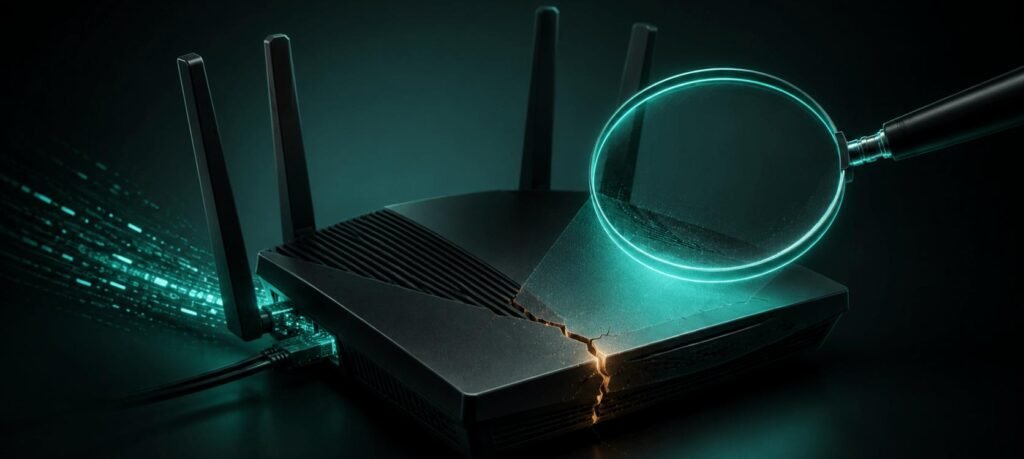
10 warning signs that your Wi-Fi could be hack:
- Your wifi suddenly slow down:
Still yesterday YouTube was running well with 4k speed. But today Reels are also buffering. If it happens again and again, then the company is not at fault. When an unknown person connects to your wifi, they share your bandwidth. Especially when they are downloading large files or video streaming then you find a clear drop.
- Find unknown device:
You know that in your house 5-6 devices, but in the router setting you find 10-12 connected devices. If you found a device which is not familiar, then it is a sign of an unauthorized person connected with your wifi.
- Router login password not working:
When you always login with the same password, but this time with the same password you can’t login with the same password. In the beginning you think like you forgot the password but you never change the password then it’s clearly anything wrong with your router setting.
- Redirect to unknown website:
You go to open google but you redirect with any unknown website or any ads pages. This is not only a browser problem. Sometimes hackers change network settings and redirect you to any website. It might be a trap for stealing your data so be aware always.
- Change DNS Setting automatic:
Sometimes you don’t touch the DNS settings but still you find an unknown address. This happens when someone is trying to control your network traffic.
- Some abnormal activity on your online account:
Suddenly you get an Email of “New Login Detected” from Gmail and Instagram and you notice the location is also strange. This is the alert sign that someone wants your login information by your wifi packets.
- Blink router light continuous:
Imagine in your house everyone is sleeping and no one uses any stuff but your router light continuously blinking like disco light. This describes some suspicious data activity in the background.
- Suddenly getting data warning limit:
You use the same data every month. Every month data is enough but this month you got a usage alert. This clearly means someone in the background uses high data.
- Seen unknown app in your device:
One day you find an unknown app which you never install and if your phone is used by other persons like your wife or children then you ask them if they installed it and they also say no they don’t download it. Sometimes malware and adware programs are installed automatically without being known.
- Antivirus send alert continuous:
Sometimes antivirus continuously warns you but you ignore it every time like you are a god and you know everything then now it’s time to notice it.
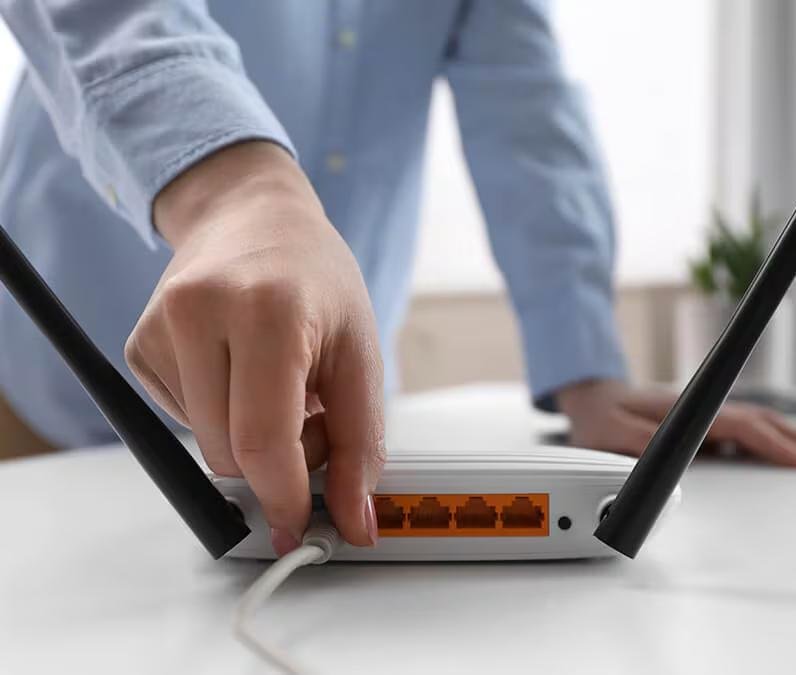
What to do if your Wi-Fi is hacked?
If you find many signs of the above, don’t be afraid. By some settings make your wifi secure again.
First of all, change your wifi password immediately. Set a strong password rather than an easy password like “123456789” or phone numbers. After that, update your wifi’s firmware. Because sometimes updates remove many errors.
Go to router settings and find a list of connected devices. If you find an unknown device then either remove or block it. If you still have a problem then you have to factory reset the router. And active WPA3 encryption is a strong lock of wifi security.
After doing all this the issue still exists, contact the ISP(internet service provider). Sometimes problems exist not only in wifi but sometimes it is network level problems.
Remember, we have to check WiFi security from time to time. Like we check if our house is locked or not. This is about security after WiFi is hacked. We should be careful even before it gets hacked.
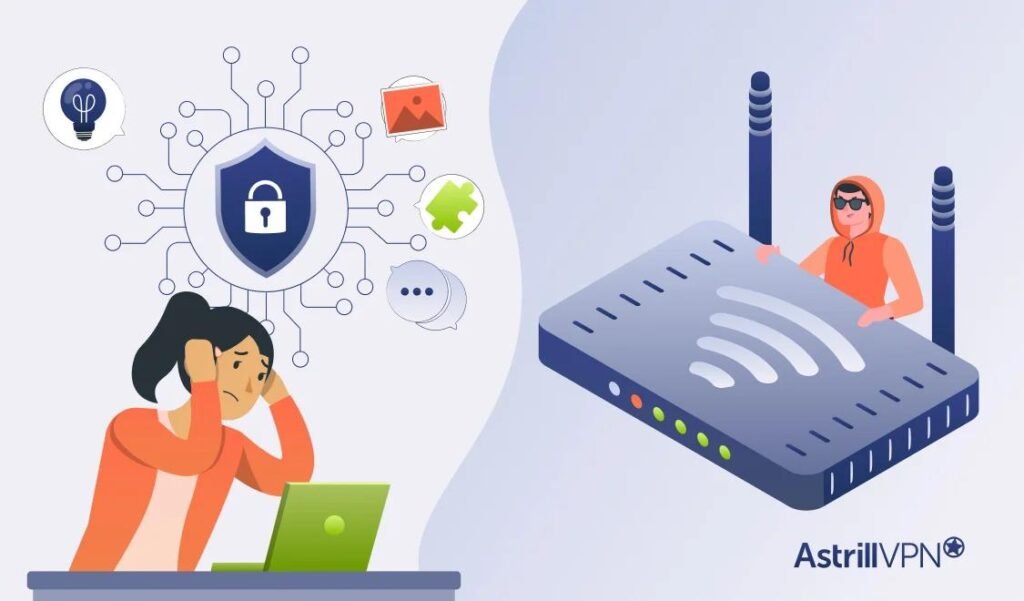
How to prevent wifi hacking?
The truth is that we have to protect our wifi before hacking rather than fixing after hacking. And it is also the easiest.
First of all, set a unique or strong password. “123456789”, “password”, and “mobile numbers” are the easiest targets for hackers. If the router WPS feature is enabled then disable it. Because it can be a security weakness.
Also update the router firmware regularly because of that new security weakness can be avoided. Hide your wifi SSID if possible so that everyone can’t see. If any guest asks for wifi, give them a guest network instead of main WiFi. and don’t forget to enable wifi firmware. It provides extra security for unwanted traffic.
Quick Summary Table :
| Sign | Risk Level | Fix |
| Slow internet | Medium | Check connected devices |
| Unknown devices | High | Remove & change password |
| Password changed | High | Reset router immediately |
| DNS changed | High | Reset DNS settings |
| Strange redirects | High | Scan for malware |
Conclusion :
One day I came back home after a long time and my mom, like our wifi, had an evil eye on it. And i am like what are you saying she told me its not working properly. After I checked I found some unknown devices. And immediately I block those devices and change my wifi password. Actually WiFi hacking is very calm hacking. No warning sign, no alarm, just slow internet and find unknown devices.
So don’t ignore this warning sign like you ignore the warning sign from god about ex, it is more dangerous than your ex. It can steal your personal details. Are you experiencing this type of sign, if you experience it tell me it can help me for my next blog.
